How to add Gujarati subtitles to a video
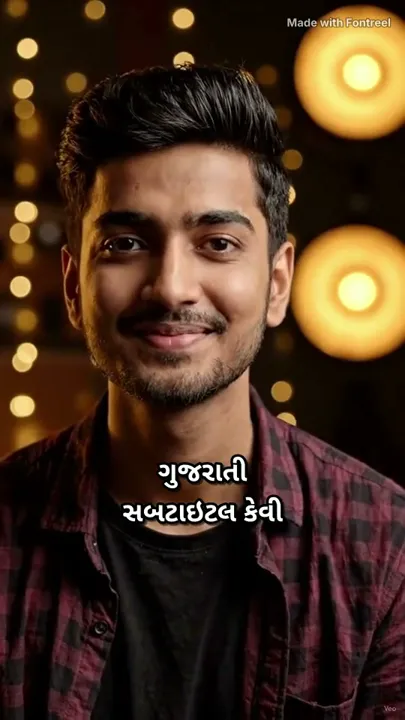
Most subtitle tools either write Gujarati in English letters or show empty boxes, because most fonts have no Gujarati letters. This guide shows how to add Gujarati subtitles in real Gujarati script, set in fonts that draw every letter, for Reels, Shorts or YouTube.
It takes about five minutes, and it's free for videos up to 90 seconds.
Step 1
Record your video
Any phone or camera works. Keep your own voice in the video, clear and without loud music: Gujarati transcription is most accurate on clean speech.
Step 2
Upload and choose Gujarati
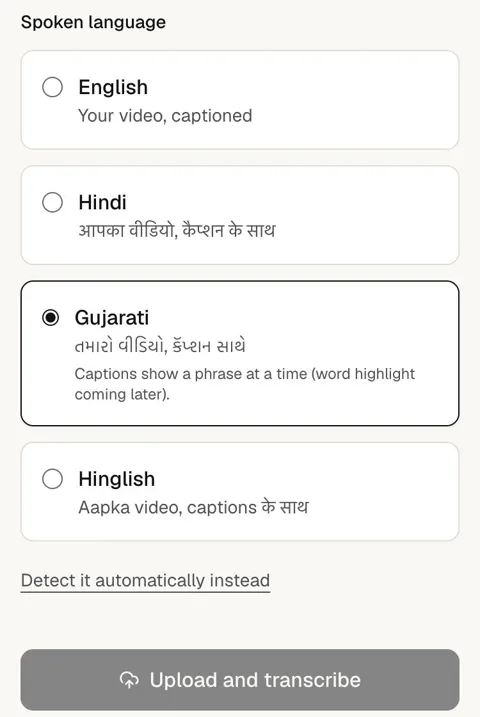
Create a free account at fontreel.com, tap New video and choose your video. The language is detected automatically, but for Gujarati we recommend tapping Choose the language yourself and picking Gujarati, so it's right from the start.
Gujarati captions show a phrase at a time, timed to the pauses in your speech; word-by-word highlight for Gujarati is coming.
Step 3
Check the words
Open the Transcript tab when it's ready. Tap any word to fix its spelling, and split or join captions if a line is too long. Names and English words are the ones to check first.
Step 4
Pick a style and font
In the Style tab, pick a look. Gujarati is set in Noto Sans Gujarati or Hind Vadodara, the two fonts we ship that contain every Gujarati letter; English words in the same line can use a display font like Anton.
Step 5
Export and download
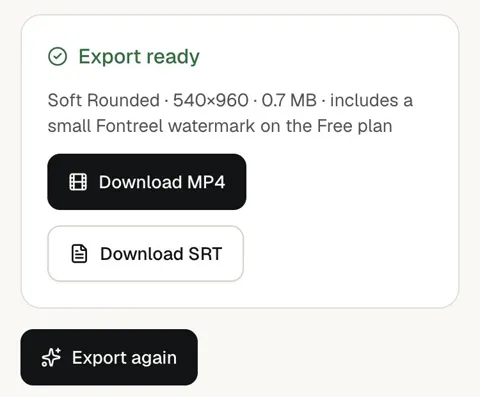
Open Export, tap Export video, then Download MP4: the Gujarati subtitles are burned into the video. You also get an SRT file for YouTube or other players. Free exports are 720p with a small watermark; paid plans remove it.
Tips
Gujarati digits
Writing numbers as ૧૨૩? Noto Sans Gujarati includes Gujarati digits; Hind Vadodara doesn't, and Fontreel switches to a font that has them instead of showing boxes.
Mixed Gujarati and Hindi
If you switch between Gujarati and Hindi, caption the main language. You can fix the odd word in the transcript before exporting.
Keep it readable
Two short lines with an outline read best over video. Turn on the Reels or Shorts safe-zone guide so nothing hides under the app's buttons.
Questions
Can I add Gujarati subtitles for free?
Yes, for videos up to 90 seconds: the Free plan includes 3 exports a month with a small watermark. Paid plans remove the watermark and allow longer videos.
Are the subtitles in Gujarati script or English letters?
Gujarati script. Fontreel transcribes Gujarati speech with a model built for Indian languages and writes it in Gujarati letters.
Why do other apps show boxes for Gujarati?
Most fonts don't contain Gujarati letters. Fontreel only uses fonts that were checked letter by letter, and stops an export rather than drawing a box.
Try it on your next video. Free for videos up to 90 seconds.
Start free